If your web design agency won’t release your domain login, you can usually recover access yourself — without their help. If the registrar account is registered in your name, with your email and phone number, the registrar’s own verification process lets you prove identity and regain control in about 20 minutes. You do not need the agency’s goodwill to move your site.
- Your site cannot move to a new host until DNS is updated, and only the registrar account can change DNS.
- If the account uses your name, email, and phone, you can recover it yourself with a verification code — no agency required.
- Once you’re back in, add trusted delegates so access can never get stuck with one person again.
- Google Analytics ownership is a separate issue — only the top-level administrator can transfer it, so request that in writing.
- Waiting on the agency costs time. The self-recovery path costs about 20 minutes.
Why the Domain Login Blocks Every Other Step of Your Website Move
Moving a website is not just copying files. Before your new host can serve your site to visitors, your domain’s DNS records have to point at the new server. That change happens inside your domain registrar account — nowhere else. No matter how polished your new site is, visitors will keep landing on the old one until DNS is updated.
This is why a former agency holding the registrar login can stall an entire migration. It is a single point of failure. Everything else — new hosting, fresh WordPress install, content migration — is ready and waiting behind one locked door. Understanding that makes the priority clear: get the registrar account first, then everything else follows.
If you are also planning a full site rebuild, our custom web design services cover the full process from DNS handover through launch. But the first step is always the same: get control of your domain.
Take Inventory: What You Can Already Access and What You Can’t
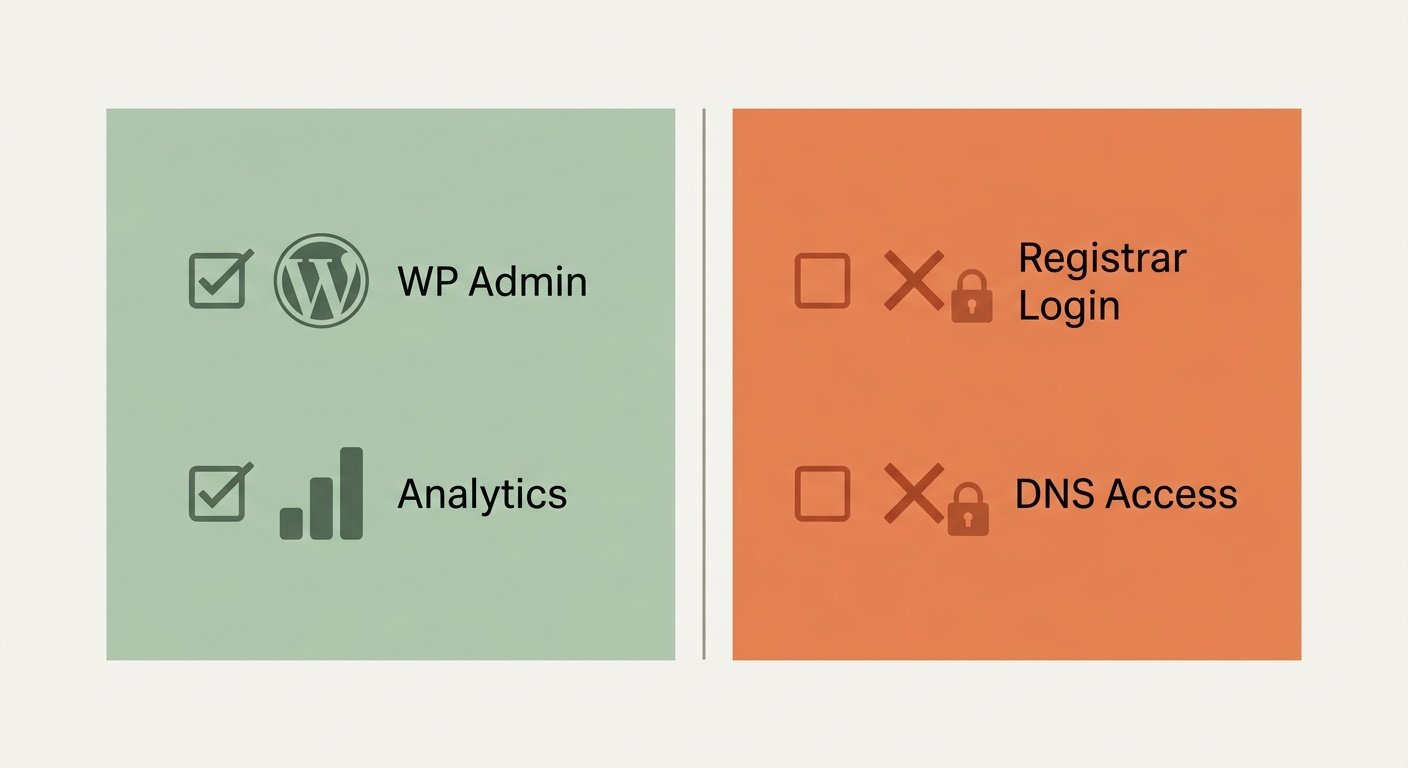
Before any recovery call, list exactly what you have and what you’re missing. This keeps the process short and focused.
What you likely already have
WordPress admin login to the existing site, and read-only or reporting access to Google Analytics. These are useful, but neither one moves the needle on DNS.
What you’re missing
The registrar account login — the one that controls DNS. Possibly also top-level ownership of your Google Analytics property.
What to check next
Who is listed as the registrant on the domain? Log in to any registrar (GoDaddy, Namecheap, Google Domains, etc.) and try the “Forgot password” flow with your business email. If the account is in your name and tied to your phone, the registrar can send a verification code and you can recover it without the agency.
Check Whose Name, Email and Phone the Registrar Account Uses
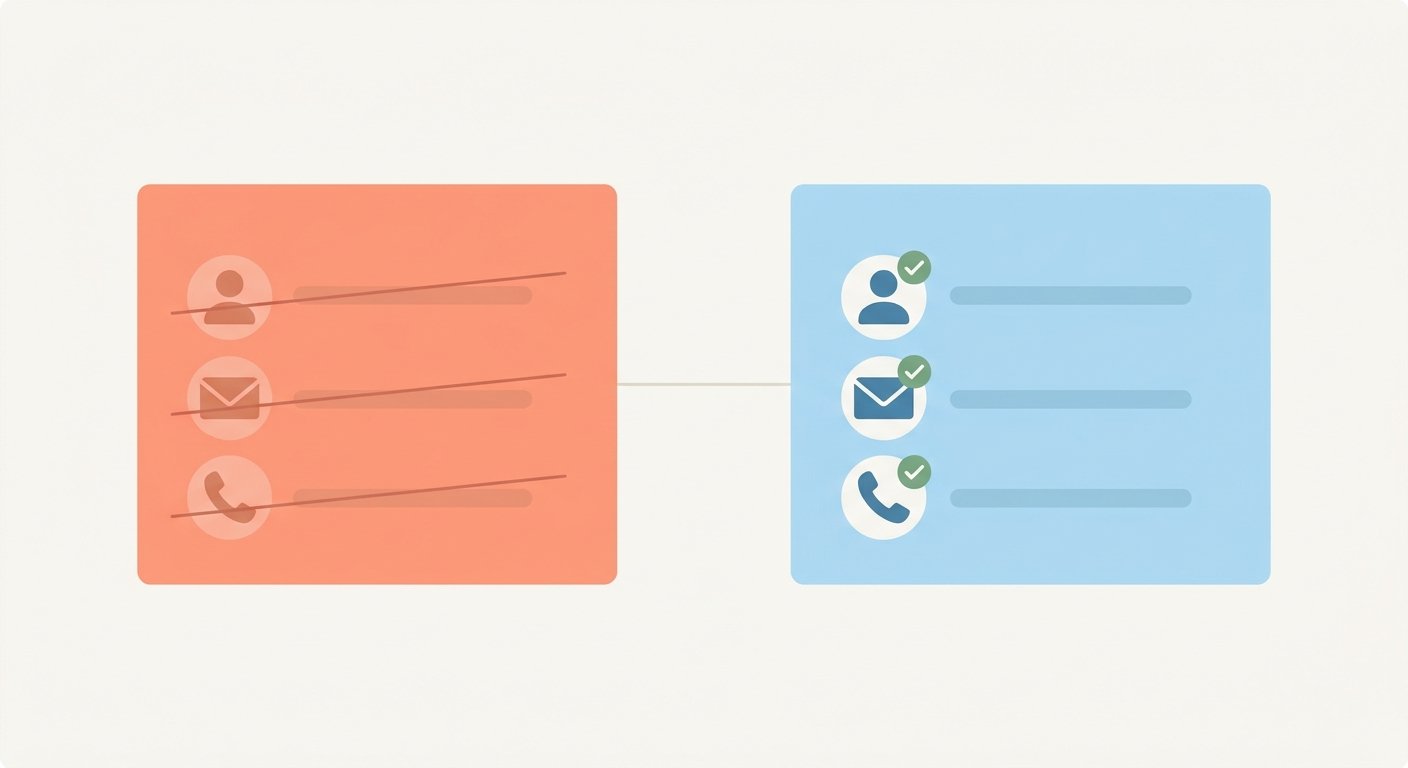
This step determines your fastest path forward. ICANN’s public WHOIS lookup shows the registrant name on most domains. If the registrant is your business or your name — not the agency’s — then the registrar considers you the account holder.
In one situation we worked through directly, the registrar account was registered in the business owner’s name, with their email address and their phone number. The agency had been managing the account on the owner’s behalf, but the account itself belonged to the owner. That distinction matters: the agency had access, but the owner had the right to recover it.
Even if you have never logged into the registrar directly, try the account recovery flow before assuming you’re locked out. Most major registrars — GoDaddy, Namecheap, Cloudflare — will send a verification code to the email or phone on file. If that contact information is yours, you are one code away from full control.
If the account is in the agency’s name rather than yours, the path is different and slower. You would need the agency’s cooperation or, in some cases, a formal dispute through ICANN’s Uniform Domain-Name Dispute-Resolution Policy. That is a longer road. This article focuses on the more common situation: the account is yours, the credentials just aren’t in your hands yet.
Recover Registrar Access Yourself With a Verification Code (About 20 Minutes)
Once you have confirmed the account is in your name, stop waiting on the agency. The verification path is straightforward, and the whole session takes about 20 minutes if you have your phone and email open.
- Go to the registrar’s login page and click “Forgot password” or “Can’t access your account.”
- Enter the email address associated with the account.
- The registrar sends a one-time verification code to that email or to the phone number on file.
- Enter the code, reset your password, and you are in.
- Immediately review the account: check that the registrant contact details are yours, and confirm you can see the DNS management panel.
When we worked through this with a business owner whose previous agency had gone quiet, we set up a short call, had the owner receive the verification code on their phone, and walked through the reset together. No legal action. No waiting on the agency to respond. The migration plan was unblocked the same day.
The account was always yours. The verification code just proves it.
Lock It In: Add Delegates So Access Can’t Be Lost Again
Once you are back inside the registrar account, the next move is to make sure this never happens again. Most major registrars support delegate or sub-account access, which lets you grant a trusted team member or agency management permissions without sharing your master login.
Add at least two people — yourself and one trusted contact on your new team. That way, if one set of credentials is ever unavailable, access does not go dark. This is a five-minute task inside the account settings, and it closes the gap that created this problem in the first place.
Also update your recovery email and phone if they have changed. The registrar uses these for future verifications, so outdated contact info creates the same risk all over again.
Get Google Analytics Ownership Back From a Former Agency
Google Analytics is a separate system with its own permission structure. Having read-only or reporting access to an Analytics property does not mean you control it. The top-level administrator — whoever holds the “Owner” role on the property — is the only person who can add or remove other administrators, transfer ownership, or delete the property.
If a former agency holds that top-level role, you need to ask them in writing to either add you as an Owner or transfer the role to your account. Put this request in an email so there is a record. If the agency is unresponsive, Google’s Analytics help documentation outlines the access levels and what each role can do — useful context if you need to escalate.
If the agency never transfers ownership and you cannot resolve it, your cleanest option is often to create a new GA4 property on your domain and start fresh. Historical data stays in the old property, but your new data is clean and fully under your control. We can set this up during the migration.
What Each Path Costs You: Waiting on the Agency vs. Recovering It Yourself
| Factor | Waiting on the agency | Self-recovery with verification code |
|---|---|---|
| Time to access | Days to weeks (or never) | About 20 minutes |
| Depends on agency goodwill | Yes | No |
| Requires a lawyer or formal dispute | Possibly, if they stall | No, if account is in your name |
| Migration unblocked | Only when they comply | Same session |
| Works if agency is unresponsive | No | Yes |
Many agencies are not acting in bad faith — a 30-day cancellation clause gives them little urgency to move quickly. But their timeline and your business needs are not the same thing. The self-recovery path removes that dependency entirely, as long as the account details are yours.
If you are also rethinking your overall site structure during the transition, our guide on redesigning your website without losing SEO covers what to protect during a migration. And if you want to understand what a complete website overhaul involves, see our website redesign service page for how we scope and handle the full process.
Next Step: We Handle the DNS Change and Your Hosting Migration
Once you have the registrar account back, the DNS change itself is a quick technical step — but it needs to be done correctly to avoid downtime. We handle that change as part of our website hosting and maintenance plans, which also cover ongoing backups, updates, and security monitoring so you are not dependent on any single vendor again.
Our co-founder, Damon Delcoro, co-runs Security Camera King, a $25M+ a year online store. We have been through every version of agency handover and site migration there is — including the ones where the previous vendor goes quiet. We have served 100+ South Florida businesses and handle these situations regularly for clients from Boca Raton to Fort Lauderdale to Miami.
If you are evaluating whether a full rebuild makes sense alongside the migration, also read our article on choosing the right web design agency in South Florida — it covers the questions to ask before you sign with anyone new.
Frequently Asked Questions
What can I do if my web design agency won’t give me my domain login?
If the registrar account is registered in your name, with your email address and phone number, you can usually recover it yourself through the registrar’s own account verification process — no agency cooperation required. Check the registrant details first using a WHOIS lookup, then use the registrar’s “Forgot password” flow to receive a verification code and reset the password yourself.
How do I get back into my GoDaddy account without the old agency?
Go to GoDaddy’s login page, click “Forgot password,” and enter the email address on the account. GoDaddy will send a verification code to that email or the phone number on file. If those contact details are yours, enter the code and reset your password. The process takes about 20 minutes if your phone and email are ready.
Who legally owns my domain name — me or my web agency?
Domain ownership generally follows the registrant details listed in the registrar account. If the account lists your name and contact information, you are the registrant and the domain is yours. Your agreement with the agency is worth reviewing, but the registrar record is the primary indicator. If the account is in the agency’s name, you may need to request a formal transfer or pursue a dispute process.
Why do I need registrar access to move my website to a new host?
Moving a website to a new host requires updating the domain’s DNS records to point at the new server. Only the person logged into the registrar account can make that DNS change. Without registrar access, your domain will keep routing visitors to the old host regardless of what you build on the new one.
How do I transfer Google Analytics ownership from a former agency?
The person holding the top-level Owner role in your Google Analytics property is the only one who can add new administrators or transfer ownership. Ask your former agency in writing to grant you the Owner role. If they are unresponsive, your cleanest fallback is to create a new GA4 property on your domain and start collecting data there while you pursue access to the original.
Book a 20-Minute Call — Get Your Domain and Site Back
Tell us where you’re stuck and we’ll walk you through recovering your registrar access, handling the DNS change, and moving your site to clean hosting — no dependency on the old agency.

Skyler Libkie
Skyler Libkie joined UltraWeb Labs in 2022 and leads web design and SEO for the agency, building and ranking websites for South Florida businesses. UltraWeb Labs is an engineering-led web design and SEO agency in Boca Raton. Our co-founder, Damon Delcoro, co-runs Security Camera King, a $25M+ a year online store. More about Skyler →