
On-page SEO covers everything you control directly on your website — title tags, headings, content, images, and internal links — to help Google understand and rank your pages. Only 0.63% of searchers click past page one, so getting these fundamentals right is the highest-leverage move available to any small business, regardless of budget.
- Only 0.63% of Google searchers click past page one — on-page SEO directly determines whether your site makes that cut.
- Every page needs a unique title tag (under 60 characters) and meta description (140–160 characters) targeting one primary keyword.
- Long-tail keywords like “affordable HVAC repair in Fort Lauderdale” convert better than generic terms because searcher intent is clear.
- Google’s 2025–2026 algorithm updates actively penalize thin content and keyword stuffing; helpful, people-first content wins.
- Page speed and mobile-friendliness are official Google ranking factors — aim for a load time under three seconds on mobile.
This checklist walks you through the most impactful on-page SEO strategies for 2026, written in plain language for business owners — not tech experts. Whether you run a boutique, a law office, a local service business, or an online store, these fundamentals will help you compete smarter online.
What Is On-Page SEO and Why Does It Matter?
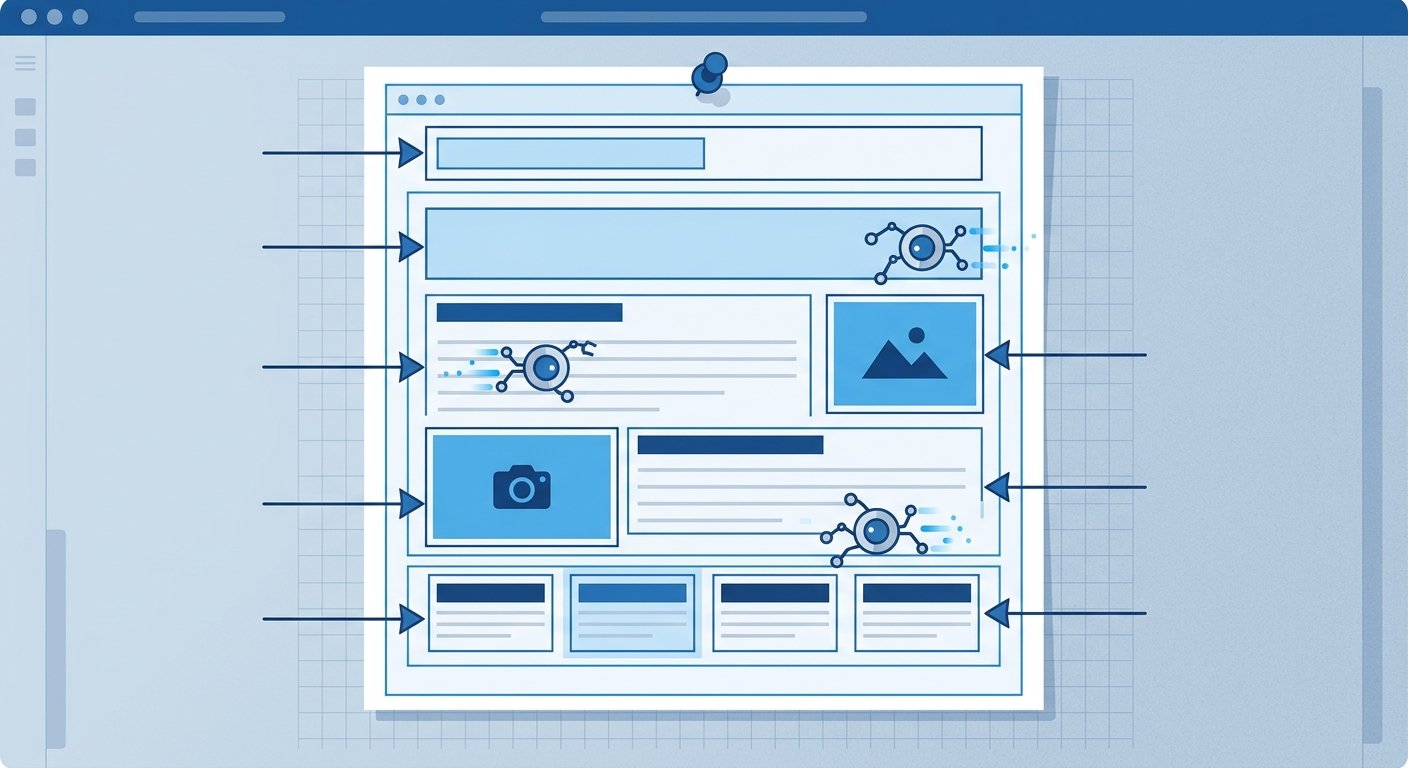
On-page SEO refers to everything you control directly on your website to help search engines understand your content — and help users find exactly what they’re looking for. This includes your page titles, headings, content, images, links, and overall site structure.
Unlike off-page SEO (like backlinks), on-page optimization is fully in your hands. Done correctly, it signals to Google that your website is relevant, trustworthy, and worth showing to people searching for what you offer. According to Google’s Search Essentials documentation, the fundamentals of great on-page SEO come down to creating helpful, people-first content that’s easy for search engines to crawl and index.
1. Start with Solid Keyword Research

Before you write a single word of content, you need to know what your potential customers are actually searching for. This is where keyword research services make a real difference. Targeting the wrong terms — or terms that are too competitive — wastes time and effort.
How to Choose the Right Keywords
- Think like your customer. What would someone type into Google when they need what you offer? Start there.
- Use long-tail keywords. Phrases like “affordable HVAC repair in Fort Lauderdale” convert better than just “HVAC” because the searcher has clear intent.
- Check search volume and competition. Free tools like Google Search Console or Google Keyword Planner can show you how often terms are searched.
- Map keywords to pages. Each page on your site should target one primary keyword and a few supporting terms — not the same keyword on every page.
For small business SEO, it’s often smarter to rank well for five highly relevant keywords than to chase twenty generic ones. Quality and relevance beat volume every time.
Ranking well for five highly relevant keywords consistently outperforms chasing twenty generic ones. Use Google Search Console (free) to find the specific terms real visitors already use to reach your site, then double down on those.
2. Optimize Your Title Tags and Meta Descriptions

Your title tag is the blue clickable headline that appears in Google search results. Your meta description is the short summary underneath it. Together, they determine whether someone clicks on your result or scrolls past it.
| Element | Title Tag | Meta Description |
|---|---|---|
| Ideal length | Under 60 characters | 140–160 characters |
| Keyword placement | Primary keyword near the beginning | Primary keyword used naturally |
| Goal | Earn the click with a compelling headline | Communicate a clear benefit to the reader |
| CTA needed? | Include brand name at the end when space allows | Soft CTA like “Learn more” or “Get a free quote” |
| Uniqueness | Unique per page — never duplicate | Unique per page — never leave blank |
Every page on your website — especially your homepage, service pages, and product pages — should have a unique, optimized title tag and meta description. If they’re all the same or left blank, you’re missing one of the easiest wins in search engine optimization.
3. Use Header Tags to Organize Your Content
Header tags (H1, H2, H3) aren’t just for visual formatting — they tell search engines how your page is structured. Google uses them to understand your topic hierarchy and pull featured snippets.
- H1: One per page, containing your primary keyword. This is your page title.
- H2: Main section headings. Each one should reflect a key subtopic.
- H3: Subsections under H2s for deeper detail.
Think of your headers like a book’s table of contents. They should make it easy for both humans and Google to understand what the page covers at a glance.
4. Write Content That Actually Helps People
Google’s 2025 and 2026 algorithm updates have doubled down on rewarding content that genuinely helps users. Thin content, keyword stuffing, and pages that exist just to “rank” are actively penalized. The bar for small business SEO has never been higher — but neither has the opportunity for businesses that get this right.
The bar for small business SEO has never been higher — but neither has the opportunity for businesses that get this right.
Content Checklist for Every Page
- Answer the question or solve the problem the searcher has
- Use your primary keyword in the first 100 words
- Include secondary keywords naturally throughout the page
- Write at a reading level your audience understands (aim for 8th grade)
- Keep paragraphs short — three to four sentences maximum
- Use bullet points and numbered lists to break up dense information
- Aim for at least 400–600 words on service pages, more for blog posts and guides
According to the Federal Trade Commission’s small business marketing guidance, clear and truthful communication with your audience builds trust — and that principle applies directly to how you write your web content, too.
5. Optimize Your Images
Images slow down your website and confuse search engines if they’re not properly optimized. Both of those problems hurt your Google ranking optimization efforts.
- Use descriptive file names. Rename “IMG_4823.jpg” to something like “boca-raton-web-design-team.jpg”
- Write meaningful alt text. Describe the image clearly, and include a keyword when it fits naturally
- Compress image files. Large images slow page load times, which hurts rankings
- Use modern formats like WebP for faster load speeds
If your website was built on WordPress or a similar platform, plugins like Smush or ShortPixel can automate much of this. If you’re running an eCommerce site, properly optimized product images can also improve your chances of showing up in Google Shopping results — a huge opportunity for product-based businesses. Learn more about what’s possible with a well-built eCommerce website strategy.
6. Improve Your Internal Linking Structure
Internal links connect your web pages to each other. They help search engines discover and index your content, and they guide visitors to take the next logical step on your site.
- Link from blog posts to relevant service pages
- Use descriptive anchor text (not “click here” — say what the link leads to)
- Make sure every important page is reachable within three clicks from your homepage
- Don’t orphan pages — if a page has no links pointing to it, Google may never find it
This is also where a strong SEO and AEO strategy comes into play — making sure your entire website architecture works together, not just individual pages.
An orphaned page — one with no internal links pointing to it — may never be discovered or indexed by Google, no matter how good the content is. A quick internal link audit every few months keeps your entire site visible and connected.
7. Check Your Page Speed and Mobile Experience
Google officially uses page speed and mobile-friendliness as ranking factors. In 2026, with the majority of searches happening on mobile devices, a slow or hard-to-navigate site will hurt you in more ways than one.
Run a speed test
Test your site using Google PageSpeed Insights (free). It flags the specific issues dragging down your load time and prioritizes them by impact.
Hit the three-second target
Aim for a load time under three seconds on mobile. Compress images, enable caching, and minimize render-blocking scripts to get there.
Audit the mobile experience
Make sure buttons are easy to tap and text is readable without zooming. Avoid pop-ups that block content on mobile screens.
Fix the foundation if needed
If your site is outdated or poorly built, even the best on-page SEO won’t overcome the technical drag. A professional web design foundation makes every other SEO effort more effective.
Frequently Asked Questions
How long does it take to see results from on-page SEO?
Most small businesses start seeing measurable movement in rankings within 60 to 90 days of implementing on-page SEO changes, though it can take up to six months for more competitive keywords. SEO is a long-term investment — consistent effort compounds over time.
Do I need to hire someone for keyword research services, or can I do it myself?
You can start with free tools like Google Search Console and Google Keyword Planner. However, professional keyword research services identify hidden opportunities, competitor gaps, and local search trends that most business owners miss. The investment typically pays for itself quickly in more targeted traffic.
Is on-page SEO enough to rank on Google?
On-page SEO is essential, but it works best alongside off-page signals like backlinks and a technically sound website. Think of it as one leg of a three-legged stool — strong on its own, but most stable with the others in place.
How often should I update my on-page SEO?
Revisit your key pages every three to six months. Update content to reflect new information, refresh meta descriptions, add internal links to newer content, and check that your keyword targeting still aligns with how your audience is searching.
What’s the most common on-page SEO mistake small businesses make?
The most common mistake is using the same title tag and meta description across multiple pages, or leaving them blank entirely. Every page on your site is an opportunity to rank for something specific — and generic or missing metadata is a missed opportunity every time.
Put Your On-Page SEO to Work
On-page SEO doesn’t have to be overwhelming. Start with the basics — your title tags, headers, and content quality — and build from there. Each improvement you make puts you in a stronger position to attract the right customers at the right moment.
At UltraWeb Labs Inc., we work directly with small and growing businesses across Boca Raton, West Palm Beach, Fort Lauderdale, and Miami to build SEO strategies that drive real, measurable results. No corporate complexity, no cookie-cutter solutions — just personalized attention and proven digital marketing that works for your specific business goals.
Find out where your website stands — for free
Contact our South Florida team for a complimentary website review and let’s build something that ranks and converts.