
Nearly 60% of small businesses that invest in digital marketing report that poor planning — not poor execution — is what holds their campaigns back. You can have a great product, a beautiful website, and a solid budget, but if your campaign setup is shaky, you’re building on sand.
Whether you’re launching your first paid ad campaign, rolling out a new email sequence, or finally committing to an SEO strategy, what happens before you go live determines most of what happens after. This checklist walks you through every critical step of campaign planning so nothing falls through the cracks — and your marketing dollars work as hard as possible from day one.
Step 1: Define Clear Goals Before Anything Else
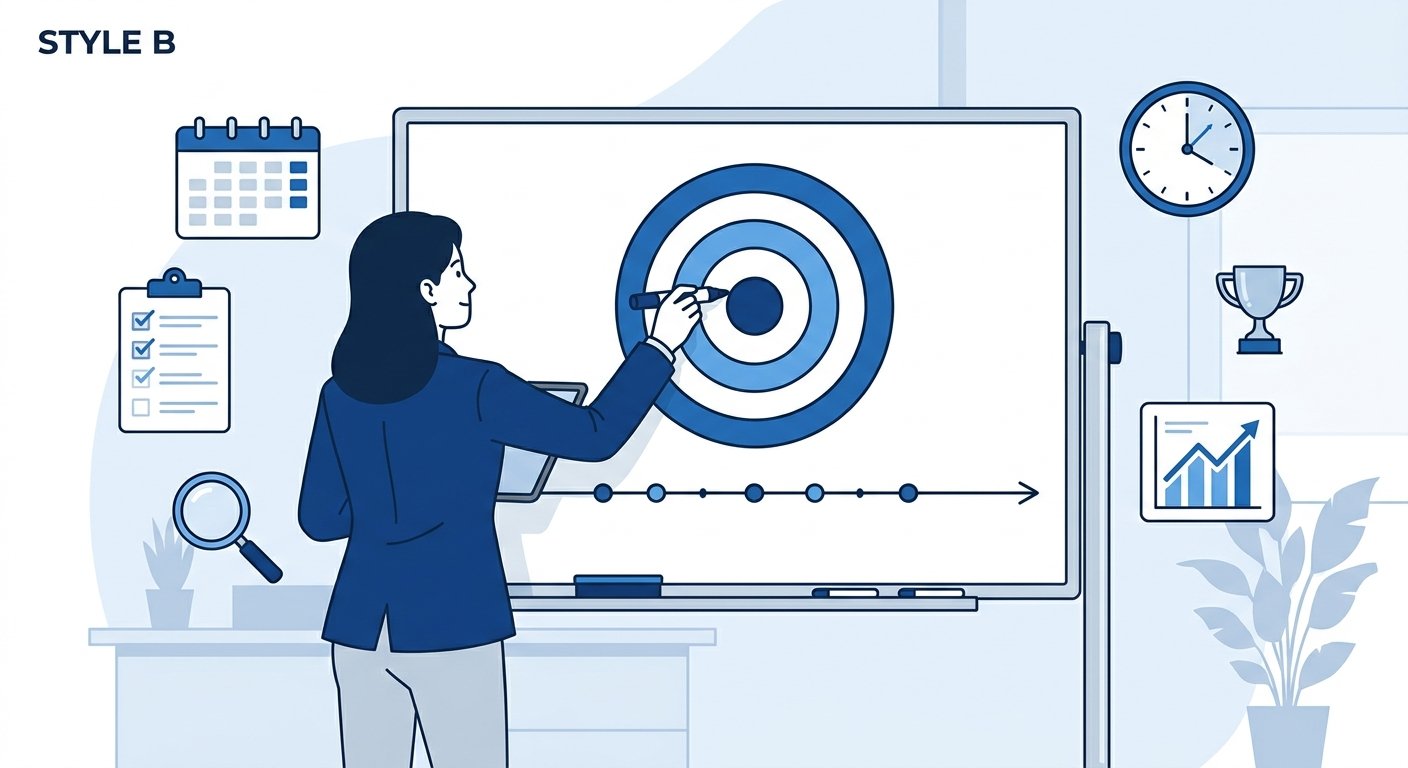
This sounds obvious, but it’s where most campaigns quietly fail. “Get more customers” is not a campaign goal. A campaign goal is measurable, time-bound, and tied to a specific business outcome.
Ask yourself:
- Are you trying to generate leads, drive direct sales, or build awareness?
- What’s a realistic target number — 50 leads per month? 200 eCommerce transactions?
- What’s your timeline — 30 days, 90 days, a full quarter?
Clear goals shape every decision that follows: your budget, your channels, your messaging, and how you measure success. At UltraWeb Labs, we always start client engagements by anchoring the campaign to specific business outcomes, not just marketing metrics. It’s the difference between campaigns that look good in a report and campaigns that actually grow your business.
Step 2: Know Your Audience in Detail
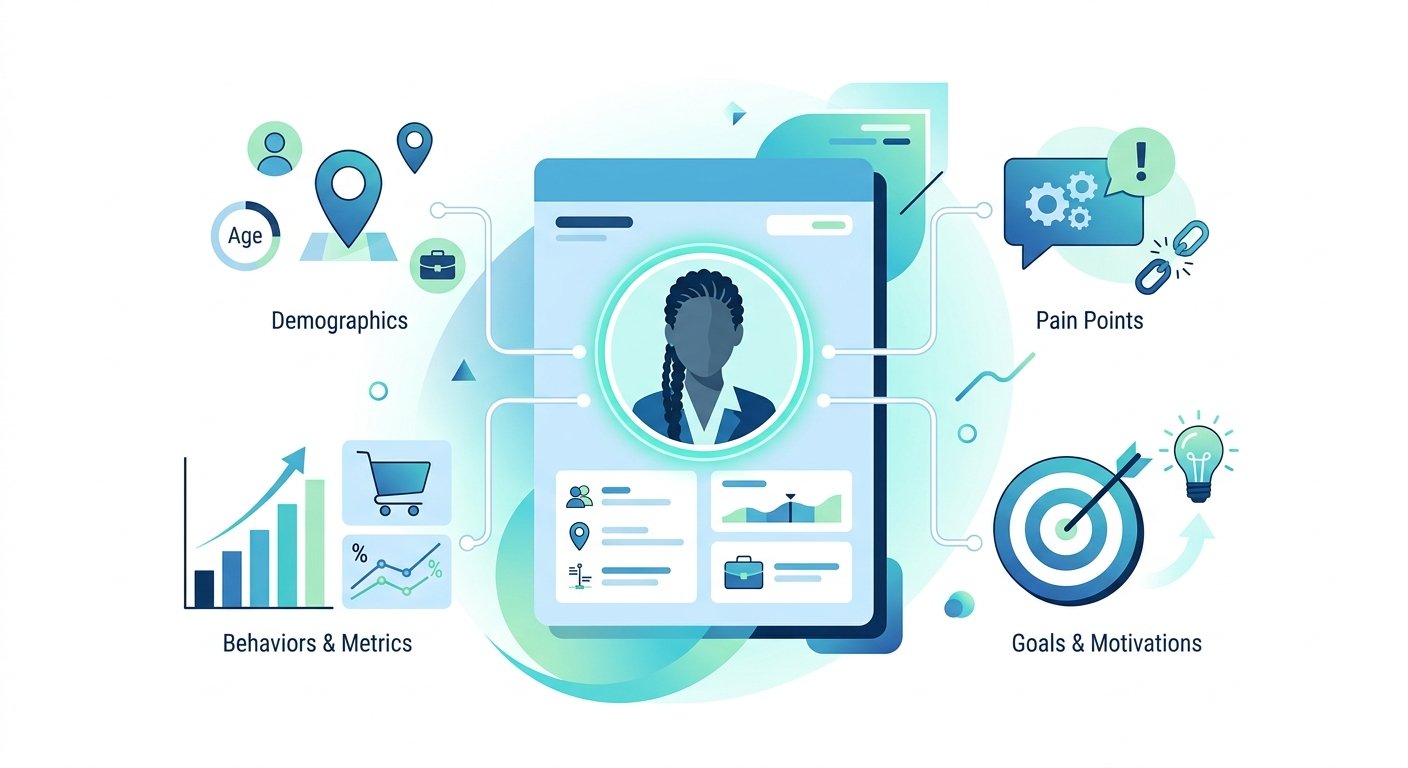
A digital marketing campaign without a defined audience is like mailing a flyer to random addresses. You need to know exactly who you’re talking to before you can talk to them effectively.
Build Your Customer Profile
Go beyond basic demographics. Consider:
- Pain points: What problem are they trying to solve?
- Buying behavior: Do they research for weeks or buy on impulse?
- Preferred channels: Are they scrolling Instagram or searching Google?
- Objections: What stops them from buying?
Tools like Google Analytics and your existing customer data are gold mines here. If you’re launching a brand-new business, look at competitor reviews on Google and Amazon to understand what customers in your market care about most.
Step 3: Establish Your Budget and Channel Mix
Once you know who you’re targeting and what you want to achieve, you can make smarter decisions about where to spend. Your campaign planning should include a realistic budget breakdown across channels, not just a lump sum.
Common Digital Marketing Channels to Consider
- Search Ads (Google/Bing): High intent, ideal for service businesses and local targeting
- Social Ads (Meta, TikTok, LinkedIn): Strong for awareness and eCommerce retargeting
- SEO: Lower cost over time, builds lasting visibility — explore our SEO and AEO services if this is a gap in your strategy
- Email Marketing: Highest average ROI when your list is warm and segmented
- eCommerce Campaigns: Product-specific strategies like Shopping ads and dynamic retargeting
According to the U.S. Small Business Administration, small businesses should allocate 7–8% of gross revenue toward marketing if revenue is under $5 million. That’s a useful benchmark when you’re deciding how aggressively to invest in your initial campaign setup.
Step 4: Set Up Tracking Before You Spend a Dollar
This step gets skipped constantly — and it’s the single most expensive mistake in digital marketing campaign management. If your tracking isn’t in place before launch, you’ll never know what’s working.
Tracking Essentials Checklist
- ✅ Google Analytics 4 (GA4) installed and configured
- ✅ Conversion events defined (form fills, purchases, phone calls)
- ✅ Google Tag Manager set up for flexible tracking management
- ✅ Ad platform pixels installed (Meta Pixel, Google Ads tag)
- ✅ UTM parameters added to all campaign URLs
- ✅ Call tracking in place if phone leads are a goal
Without this foundation, you’re flying blind. With it, every campaign you run gets smarter over time because you’re feeding real data back into your decisions.
Step 5: Build Landing Pages That Convert
Sending paid traffic to your homepage is one of the most common campaign setup mistakes. Your homepage serves many audiences. A landing page serves one — the person who just clicked your ad.
A high-converting landing page should:
- Match the message of the ad exactly (message match builds trust)
- Have a single, clear call to action — no menu distractions
- Load in under 2.5 seconds on mobile
- Include social proof (reviews, testimonials, trust badges)
- Make it obvious what happens when someone submits a form or clicks a button
If your website isn’t set up to support dedicated landing pages, that’s worth addressing before you invest in paid campaigns. Our web design team regularly helps businesses build conversion-optimized pages that support their campaign goals from the ground up.
Step 6: Create Your Campaign Messaging and Creative
Now that the infrastructure is ready, it’s time to focus on what you’ll actually say. Your messaging strategy should directly reflect the audience research you did in Step 2.
Key Messaging Components
- Headline: Your strongest benefit or most compelling hook
- Value proposition: Why should someone choose you over every other option?
- Proof: Reviews, stats, credentials, or guarantees
- Urgency or scarcity: Why act now?
- Clear CTA: “Get a Free Quote,” “Shop Now,” “Book a Call”
Plan to test at least two or three versions of your ad creative. What you think will resonate and what actually resonates are often different things. Build testing into your campaign setup from the start.
Step 7: Review Your Competitive Landscape
Before launch, do a quick scan of how competitors are positioning themselves. What keywords are they targeting? What offers are they promoting? Are there obvious gaps you can capitalize on?
You don’t need to obsess over competitors, but understanding the landscape helps you differentiate your messaging and identify opportunities. Tools like Google’s free Keyword Planner or reviewing organic search results can give you enough context to make smarter decisions about positioning.
Step 8: Document Your Campaign Setup
This step separates organized marketers from overwhelmed ones. Before launch, create a simple campaign brief that documents:
- Campaign goal and KPIs
- Target audience description
- Budget by channel
- Launch date and review milestones
- Messaging and creative assets used
- Tracking URLs and conversion goals
This document becomes your reference point when you’re reviewing results and making optimization decisions. It also ensures that if a team member or agency partner needs to step in, nothing is lost.
Step 9: Launch, Monitor, and Optimize
Campaigns are not “set and forget.” The first two weeks after launch are critical. Check performance daily for the first week, then settle into a weekly review rhythm. Watch for:
- Click-through rates lower than expected (messaging or targeting issue)
- High bounce rates on landing pages (creative mismatch or slow load times)
- High cost-per-conversion (may need to tighten audience or improve offer)
- Underperforming ad variations (pause them, reallocate budget)
The digital marketing industry consensus is clear: campaigns that are actively managed and optimized in the first 30 days significantly outperform those left untouched. Optimization isn’t a bonus — it’s part of the campaign setup process.
Frequently Asked Questions
How long does it take to set up a digital marketing campaign?
A properly structured campaign setup typically takes one to two weeks. This includes audience research, tracking configuration, landing page review, ad creative development, and final pre-launch checks. Rushing this phase often leads to wasted spend — taking the time upfront pays off quickly.
What’s the most important part of campaign planning?
Tracking setup is arguably the most critical element because without it, you can’t accurately measure results or optimize. After that, goal definition and audience clarity drive everything else. A campaign with a clear goal and well-defined audience will outperform a bigger-budget campaign that skips these foundational steps.
How much should a small business budget for a digital marketing campaign?
For small businesses just starting out, a minimum of $1,000–$1,500 per month in ad spend is often recommended to generate meaningful data. The right amount depends on your industry, competition level, and goals. The U.S. Small Business Administration recommends 7–8% of gross revenue for marketing overall as a starting benchmark.
Should I run paid ads or invest in SEO first?
It depends on your timeline and budget. Paid ads can generate leads and sales quickly, while SEO builds long-term, compounding visibility. For most small businesses, a blended approach works best — paid campaigns for immediate results while SEO builds momentum. Our SEO and AEO services are designed to work alongside paid strategies, not compete with them.
Can I manage a digital marketing campaign myself?
You can — especially if you have the time and willingness to learn. However, the campaign setup details (tracking, audience segmentation, landing page optimization) are where most DIY campaigns lose money. Many small business owners find that working with a partner who specializes in campaign planning saves time and produces better returns than going it alone.
Ready to Launch Your Campaign the Right Way?
A well-structured digital marketing campaign doesn’t require a massive budget or a corporate marketing team. It requires the right foundation — clear goals, smart targeting, solid tracking, and consistent optimization.
At UltraWeb Labs, we work with small and growing businesses across Boca Raton, West Palm Beach, Fort Lauderdale, and Miami to build campaigns that are set up correctly from day one. We bring personal attention, transparent reporting, and a focus on results you can see in your business — not just in a dashboard.
If you’re ready to launch a campaign that’s built to perform, we’re ready to help. Reach out to our team at (561) 948-0442 or visit us online to start the conversation.

About UltraWeb Labs Inc.
UltraWeb Labs Inc. provides practical digital marketing solutions for small and growing businesses nationwide, with deep roots in South Florida. We specialize in eCommerce growth, lead generation, and measurable ROI through personalized service that combines approachable expertise with proven results. Our team focuses on making digital marketing accessible and actionable for business owners who want real growth without corporate-level complexity. Visit ultraweblabs.com →