
Your website might be bleeding potential customers right now, and you wouldn’t even know it. In 2026, search engine optimization isn’t just about having the right keywords anymore—it’s about delivering a flawless user experience that satisfies both Google’s increasingly sophisticated AI algorithms and your actual human visitors. A comprehensive website audit is your diagnostic tool for uncovering hidden problems that are costing you rankings, traffic, and ultimately, revenue.
For South Florida small business owners, the stakes are particularly high. Whether you’re running a Miami e-commerce store or a Fort Lauderdale service business, your local competitors are fighting for the same digital real estate. The good news? Most websites have fixable SEO problems that, once addressed, can dramatically improve your Google ranking optimization. Let’s walk through exactly how to audit your website for SEO problems and turn those issues into opportunities.
Why Your Website Needs an SEO Audit in 2026

Search engine optimization has evolved significantly. Google’s AI-powered search algorithms now prioritize user experience signals, content quality, and technical performance more than ever before. What worked in 2024 might actually hurt your rankings today. An SEO audit helps you identify gaps between where your website currently stands and where it needs to be to compete effectively.
Small business SEO requires a different approach than enterprise-level optimization. You need practical, implementable solutions that deliver measurable results without requiring a massive team or budget. That’s exactly what a proper website audit provides—a clear roadmap for improvement prioritized by impact and effort.
Starting With Technical SEO Foundations
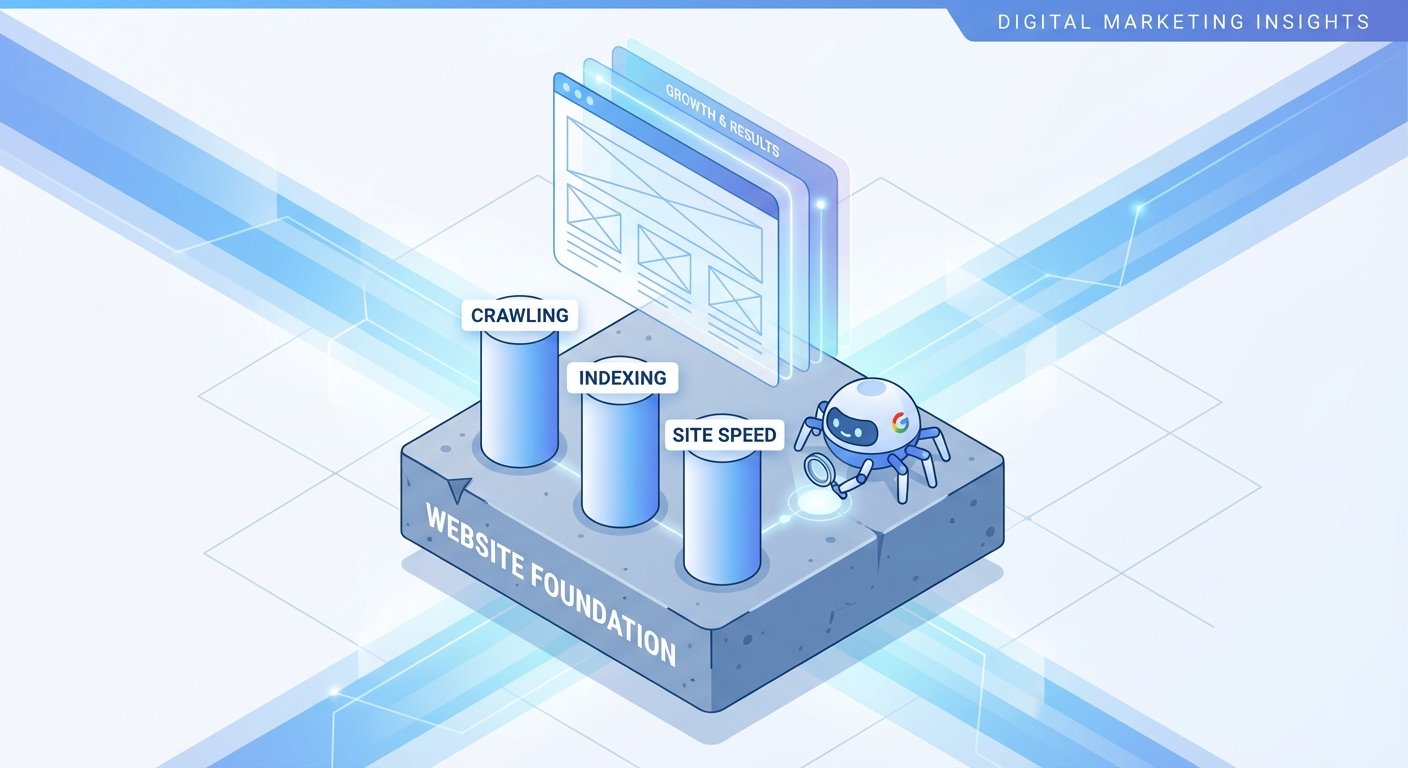
Technical SEO forms the foundation of your website’s search performance. If Google’s crawlers can’t properly access, crawl, and index your site, even the best content won’t rank.
Check Your Site Speed and Core Web Vitals
Page speed directly impacts both user experience and rankings. In 2026, Google’s Core Web Vitals remain critical ranking factors. Use Google’s PageSpeed Insights tool to measure your Largest Contentful Paint (LCP), First Input Delay (FID), and Cumulative Layout Shift (CLS).
For small businesses, this often reveals quick wins. A Boca Raton boutique we worked with discovered their product images weren’t compressed, adding 4 extra seconds to load time. After optimization, their mobile bounce rate dropped 37% and organic conversions increased 28% within six weeks.
Verify Mobile Responsiveness
Over 70% of searches now happen on mobile devices. Your website must provide an exceptional mobile experience. Test your site on actual phones and tablets, not just desktop browsers resized to mobile dimensions. Check for:
- Text that’s readable without zooming
- Buttons and links spaced appropriately for finger taps
- Content that fits the screen without horizontal scrolling
- Forms that work smoothly on mobile keyboards
Review Your Site’s Crawlability
Check your robots.txt file to ensure you’re not accidentally blocking important pages from Google’s crawlers. Review your XML sitemap to confirm it’s current, properly formatted, and submitted to Google Search Console. A West Palm Beach law firm recently discovered their entire blog was blocked in robots.txt—six months of content marketing invisible to search engines.
Conducting an On Page SEO Analysis
On page SEO refers to optimizations you make directly on your website pages. This is where many small businesses have the most immediate opportunities for improvement.
Audit Your Title Tags and Meta Descriptions
Every page needs a unique, compelling title tag under 60 characters and a meta description under 160 characters. These elements appear in search results and significantly impact click-through rates. Avoid generic titles like “Home” or “Services.” Instead, use descriptive, keyword-rich titles that clearly communicate value.
For example, instead of “About Us,” a Coral Springs HVAC company changed their title to “Licensed AC Repair Experts Serving Coral Springs Since 2010″—a simple change that increased organic clicks by 42%.
Evaluate Your Header Structure
Your content should use a logical hierarchy of H1, H2, and H3 tags. Each page should have exactly one H1 tag that clearly states the page topic. H2 tags should organize main sections, and H3 tags should break down subsections. This structure helps both users and search engines understand your content organization.
Analyze Content Quality and Keyword Optimization
Review your pages for thin or duplicate content. In 2026, Google’s AI can easily identify low-quality content created just to rank for keywords. Your content needs to genuinely answer user questions and provide unique value.
For each important page, ask yourself:
- Does this content thoroughly address the user’s search intent?
- Is it more comprehensive than competing pages?
- Are keywords included naturally in the content, headers, and image alt text?
- Does it include relevant, current information for 2026?
Check Internal Linking Strategy
Internal links help distribute page authority throughout your site and guide users to related content. Audit your internal linking to ensure important pages receive adequate internal links with descriptive anchor text. Many small business websites make the mistake of only linking from their navigation menu, missing opportunities to contextually connect related pages.
Identifying Technical SEO Problems
Find and Fix Broken Links
Broken links frustrate users and waste crawl budget. Use tools like Screaming Frog or Ahrefs to identify 404 errors on your site. Either fix the links, redirect them to relevant pages, or remove them entirely.
Review Your URL Structure
URLs should be clean, descriptive, and include relevant keywords. Avoid long strings of numbers or unnecessary parameters. For example, “yoursite.com/services/pool-cleaning-boca-raton” is far better than “yoursite.com/page?id=12345.”
Check for Duplicate Content Issues
Duplicate content confuses search engines about which version to rank. Common issues include www vs. non-www versions, HTTP vs. HTTPS versions, and multiple URLs showing identical content. Implement proper canonical tags and redirects to consolidate duplicate content.
Ensure Secure HTTPS Connection
In 2026, having an SSL certificate and HTTPS encryption is non-negotiable. It’s a confirmed ranking factor and essential for user trust, especially for e-commerce sites processing payments.
Analyzing Search Performance Data
Your SEO audit should include actual performance data from Google Search Console and Google Analytics. This reveals real-world problems rather than just potential issues.
Review Google Search Console
Check for manual actions or security issues that might be penalizing your site. Review the Coverage report for indexing errors. Analyze the Performance report to identify:
- Pages with high impressions but low click-through rates (opportunity to improve titles and descriptions)
- Keywords ranking on page 2 (low-hanging fruit for optimization)
- Pages with declining traffic (content that needs refreshing)
Examine User Behavior Metrics
Google Analytics reveals how users actually interact with your site. High bounce rates might indicate content that doesn’t match search intent. Low average session duration could signal poor content quality or slow load times. Pages with high exit rates might be missing clear calls-to-action or next steps.
Evaluating Local SEO for South Florida Businesses
For service-based businesses and local retailers in South Florida, local search optimization is crucial. Your audit should include:
- Google Business Profile completeness and accuracy
- Consistency of NAP (Name, Address, Phone) across all online directories
- Quality and quantity of Google reviews
- Local keywords in your content (city names, neighborhoods, “near me” optimization)
- Locally relevant content that demonstrates community connections
A Delray Beach restaurant improved their local rankings by adding neighborhood-specific pages, earning them a 156% increase in “near me” search visibility within three months.
Creating Your Action Plan
After completing your website audit, you’ll likely have a substantial list of SEO problems. The key is prioritization. Not all issues equally impact your rankings and conversions.
Prioritize fixes based on:
- Critical issues preventing indexing or causing security problems (fix immediately)
- High-impact opportunities that could quickly improve rankings for important keywords
- User experience improvements that reduce bounce rates and increase conversions
- Long-term optimizations that build sustainable search visibility
Document everything in a spreadsheet with columns for the issue, impact level, effort required, and status. This transforms an overwhelming list into a manageable project plan.
When to Call in Professional Help
While many SEO problems are fixable by motivated business owners, some situations benefit from professional expertise. Consider working with an experienced SEO partner when you:
- Lack the time to implement fixes while running your business
- Face technical challenges beyond your comfort level
- Need faster results to compete with aggressive competitors
- Want strategic guidance on long-term search engine optimization
At UltraWeb Marketing, we’ve helped countless South Florida small businesses transform their search visibility through comprehensive website audits and strategic implementation. We understand the unique challenges of local markets and focus on delivering measurable ROI, not just vanity metrics.
Measuring Success After Your Audit
After implementing fixes from your SEO audit, track these metrics to measure improvement:
- Organic search traffic from Google Analytics
- Keyword rankings for your target terms
- Click-through rates from search results
- Bounce rate and average session duration
- Conversion rates from organic traffic
- Core Web Vitals scores
Most improvements take 4-12 weeks to fully materialize in search rankings, so patience and consistent monitoring are essential.
Ready to Fix Your Website’s SEO Problems?
A comprehensive website audit might seem overwhelming, but it’s the essential first step toward improving your search visibility and attracting more qualified customers. Every SEO problem you identify is actually an opportunity to outperform competitors who haven’t done this work.
If you’re a South Florida business owner who wants expert help conducting a thorough SEO audit and implementing the fixes that matter most, UltraWeb Marketing is here to help. We combine technical expertise with local market knowledge to deliver real business results. Contact us today for a complimentary website audit and discover exactly what’s holding back your search rankings—and how to fix it.
Frequently Asked Questions
How often should I audit my website for SEO problems?
Conduct a comprehensive website audit at least twice per year, with quarterly check-ins for critical metrics like site speed and mobile usability. If you make significant website changes or notice sudden traffic drops, perform an immediate audit to identify potential issues.
Can I do an SEO audit myself or do I need to hire someone?
Small business owners can perform basic SEO audits using free tools like Google Search Console, PageSpeed Insights, and mobile-friendly tests. However, comprehensive technical SEO audits often benefit from professional expertise, especially for identifying complex crawling issues, implementing structured data, or developing strategic recommendations.
What’s the most common SEO problem you find in small business websites?
The most common issue we see is poor on page SEO—specifically, missing or duplicate title tags, thin content that doesn’t match search intent, and slow page load speeds due to unoptimized images. These are usually the easiest problems to fix and often deliver the quickest improvements in rankings.
How long does it take to see results after fixing SEO problems?
Most SEO improvements take 4-12 weeks to impact rankings, though some technical fixes like improving site speed can show user experience benefits immediately. The timeline depends on how often Google crawls your site, the competitiveness of your keywords, and the severity of the problems you fixed.
Will fixing SEO problems guarantee I rank #1 on Google?
No SEO work can guarantee specific rankings because Google uses hundreds of ranking factors and your competitors are also optimizing their sites. However, fixing SEO problems removes barriers preventing your site from ranking as well as it should, significantly improving your chances of achieving top positions for relevant keywords.