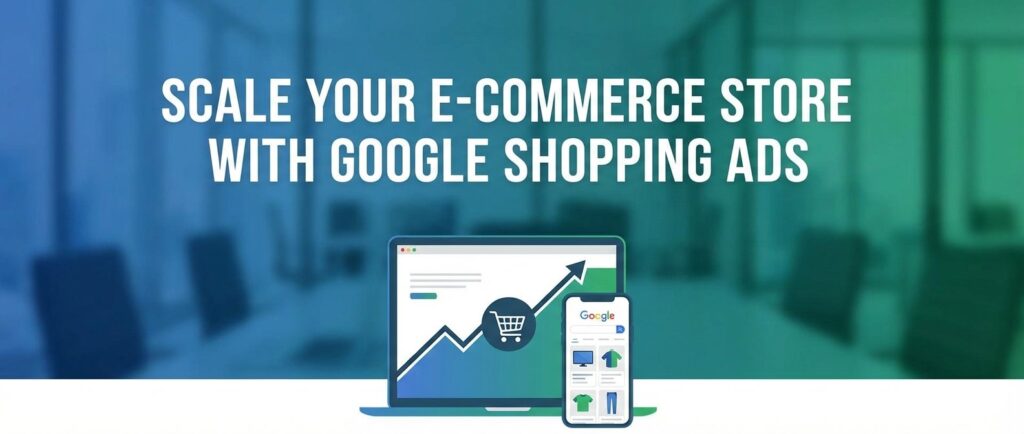
Google Shopping Ads generated over $45 billion in revenue for e-commerce businesses in 2025, with conversion rates averaging 3-5 times higher than traditional text ads. If you’re running an online store in South Florida and not leveraging this powerful advertising platform, you’re leaving serious money on the table.
The reality is straightforward: when someone searches for a product you sell, Google Shopping Ads place your products directly in front of them with images, prices, and store information—all before they even see the first organic search result. For e-commerce businesses, this visibility is gold.
Let’s dive into exactly how to use Google Shopping Ads to scale your online store in 2026, with practical strategies that actually work for small to medium-sized businesses.
Understanding Google Shopping Ads in 2026
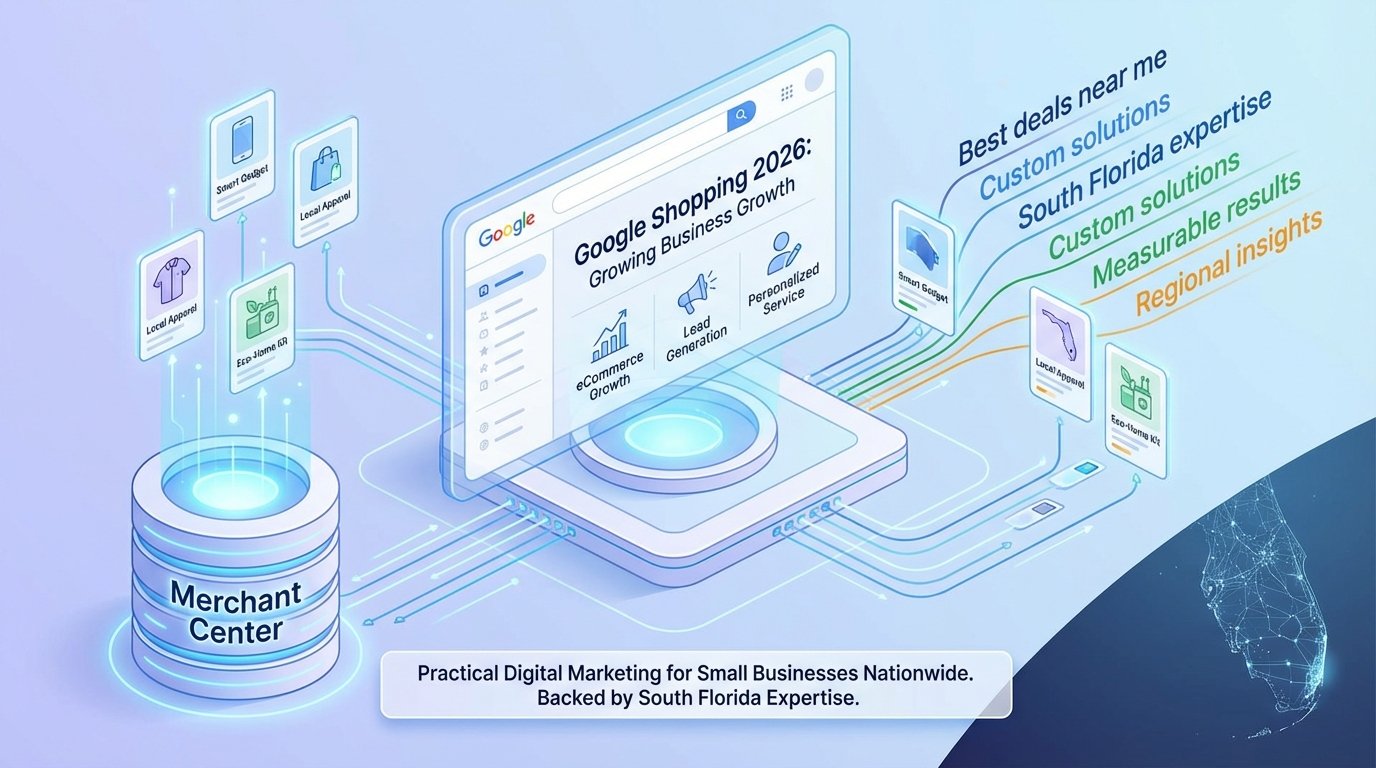
Google Shopping Ads have evolved significantly. Unlike traditional pay per click advertising where you bid on keywords, Shopping Ads pull product information directly from your Merchant Center feed. When customers search for products, Google automatically matches their queries to your inventory and displays your products as visual ads.
What makes Shopping Ads particularly effective for e-commerce is the qualified traffic they generate. Users see your product image, price, and store name before clicking, meaning they’re already interested in what you’re selling. This pre-qualification results in higher conversion rates and better return on ad spend.
The Current State of Shopping Ads
In 2026, Google has integrated even more AI-driven features into Shopping campaigns. Performance Max campaigns now dominate the landscape, using machine learning to automatically optimize your product ads across Google Search, Display Network, YouTube, Gmail, and Discover. The platform analyzes billions of signals to show your products to the right customers at the right moment.
For South Florida e-commerce businesses, this means you can compete with larger retailers without needing a massive marketing team. The automation handles much of the heavy lifting, but strategic setup and management remain crucial for success.
Setting Up Your Google Shopping Campaign for Success
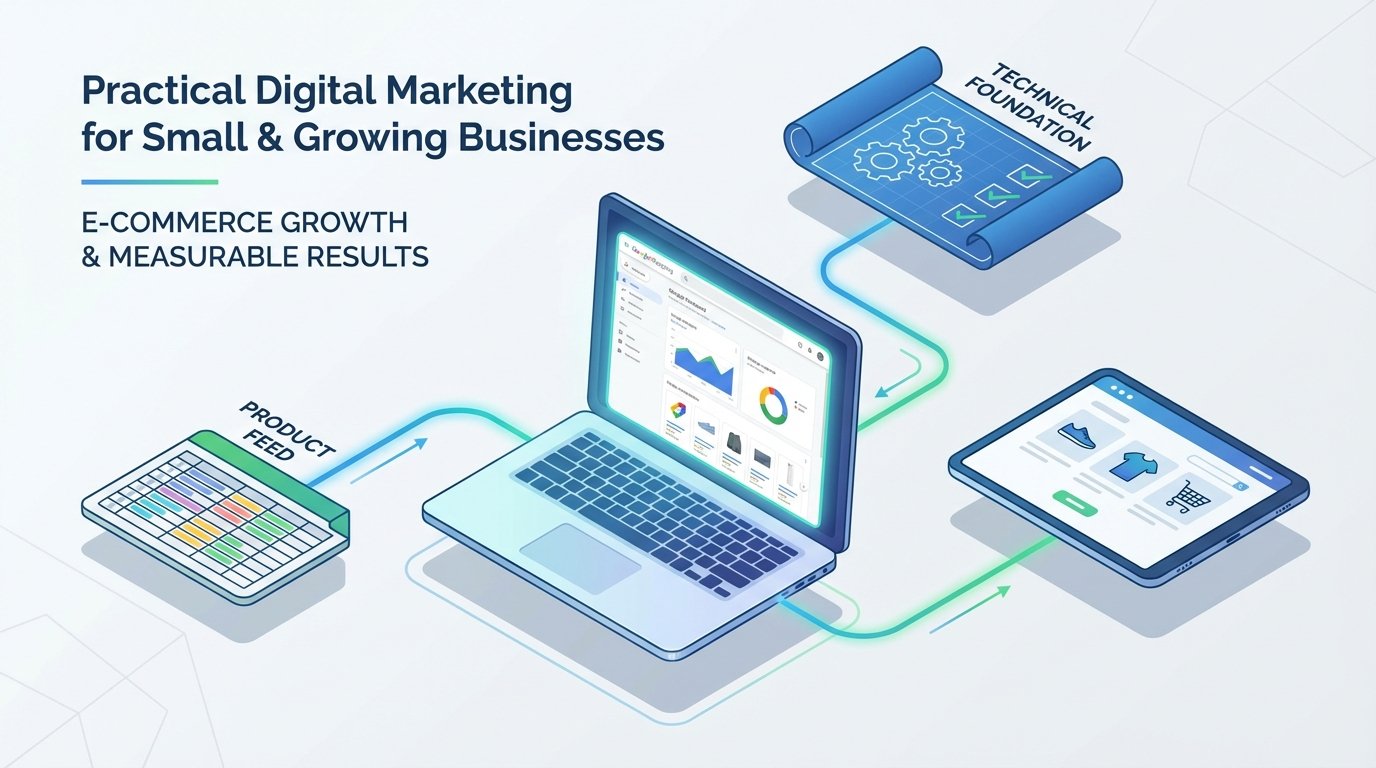
Before you can run Shopping Ads, your foundation must be solid. This starts with your ecommerce website development and product data structure.
Step 1: Optimize Your Product Feed
Your product feed is the backbone of Shopping Ads. It contains all the information Google needs to display your products: titles, descriptions, images, prices, availability, and more. A poorly optimized feed means poor ad performance, regardless of your budget.
Here’s what matters most in 2026:
- Product titles: Include brand, product type, key attributes, and descriptors. “Women’s Nike Air Max Running Shoes – Size 8 – Blue/White” beats “Running Shoes” every time.
- High-quality images: Use professional photos with white backgrounds. Google prioritizes clear, high-resolution product images in Shopping results.
- Accurate categorization: Use Google’s product taxonomy to categorize items correctly. This helps Google show your products for relevant searches.
- Competitive pricing: Include sale prices when applicable. Google displays price comparison data, so competitive pricing improves click-through rates.
- Detailed descriptions: Write comprehensive product descriptions that include relevant keywords naturally.
One of our South Florida clients, a boutique home décor store, increased their Shopping Ad conversions by 167% simply by optimizing their product feed. They rewrote product titles to include specific descriptors and updated all product images to professional quality shots. The investment in better ecommerce web design and product data paid off within the first month.
Step 2: Structure Your Campaign Strategically
Campaign structure directly impacts your ability to optimize and scale. Here’s the approach that works best for most e-commerce stores in 2026:
Segment by product performance: Create separate campaigns for high-performers, medium-performers, and new products. This allows you to allocate budget based on what’s actually driving revenue.
Use product groups effectively: Break your campaigns into product groups based on category, brand, price range, or margin. This granular control lets you bid more aggressively on profitable products.
Implement negative keywords: Even though Shopping Ads don’t use traditional keyword targeting, negative keywords prevent your ads from showing for irrelevant searches. If you sell premium watches, add “cheap,” “free,” and “repair” as negatives.
Step 3: Set Up Conversion Tracking Properly
Without accurate conversion tracking, you’re flying blind. Make sure you have proper tracking installed on your online store development platform, whether it’s Shopify, WooCommerce, or a custom solution.
Track these essential metrics:
- Purchase conversions with actual revenue values
- Add-to-cart actions
- Begin checkout events
- Product page views from Shopping Ads
This data feeds Google’s AI and allows smart bidding strategies to optimize for your actual business goals.
Bidding Strategies That Actually Scale Revenue
Choosing the right bidding strategy is critical for scaling profitably. In 2026, most successful e-commerce businesses use one of these approaches:
Target ROAS (Return on Ad Spend)
This smart bidding strategy tells Google exactly what return you need. If you set a 400% target ROAS, Google aims to generate $4 in revenue for every $1 you spend. This works brilliantly once you have enough conversion data—typically 30-50 conversions per month.
For a South Florida fashion retailer we work with, Target ROAS allowed them to scale their google ads management budget from $3,000 to $15,000 monthly while maintaining their profit margins. Google’s AI found new customer segments that converted well, expanding their reach without sacrificing profitability.
Maximize Conversion Value
This strategy focuses on generating the most total revenue within your budget. It’s particularly effective when you have a diverse product catalog with varying profit margins. Google automatically bids higher for products and audiences that generate more revenue.
Manual CPC for Testing
When launching new products or testing new markets, manual cost-per-click bidding gives you more control. Start conservative, gather data, then transition to automated strategies once you have sufficient conversion history.
Advanced Scaling Tactics for 2026
Once your basic Shopping campaigns are running profitably, these advanced strategies will take you to the next level.
Leverage Performance Max Campaigns
Performance Max is Google’s most advanced campaign type, using AI to automatically place your products across all Google properties. For e-commerce stores, this means your products can appear in Shopping results, Display ads, YouTube videos, Gmail promotions, and Discover feeds—all from one campaign.
The key to Performance Max success is providing quality assets: multiple images, headlines, descriptions, and videos if possible. The more creative assets you provide, the better Google can match your products to potential customers across different platforms.
Use Local Inventory Ads
If you have a physical store in South Florida alongside your e-commerce operation, Local Inventory Ads are a game-changer. These show local customers what products you have in stock, driving both online sales and foot traffic to your store.
A Miami-based electronics retailer we partnered with used Local Inventory Ads to increase in-store purchases by 43% while simultaneously growing online orders. Customers appreciated knowing they could buy online or pick up the same day.
Implement Dynamic Remarketing
Display advertising management through dynamic remarketing shows customers the exact products they viewed on your site as they browse other websites. In 2026, this is particularly powerful when combined with Shopping campaigns.
Set up remarketing audiences based on behavior:
- Viewed products but didn’t add to cart
- Added to cart but didn’t purchase
- Purchased specific categories (for cross-selling)
- High-value customers (for retention)
Optimize for Mobile Shopping
Over 70% of Shopping Ad clicks now come from mobile devices. Your entire funnel—from ad to checkout—must be mobile-optimized. Work with experienced professionals in ecommerce website development who understand mobile user experience.
Page load speed matters tremendously. If your product pages take more than three seconds to load on mobile, you’re losing sales. Consider working with a shopify developer south florida who specializes in performance optimization if you’re on that platform.
Budget Scaling: The Right Way
Many e-commerce owners make the mistake of scaling budget too quickly when they see initial success. Here’s the methodical approach that preserves profitability:
Start with a testing budget: Allocate enough to generate meaningful data—typically $50-100 daily for most product catalogs.
Scale incrementally: Increase budget by 20% every 3-5 days if performance metrics remain stable. Dramatic budget increases confuse Google’s algorithm and can tank performance.
Monitor efficiency metrics: Watch your ROAS, conversion rate, and cost per acquisition. If these decline as you scale, pause and optimize before increasing further.
Expand to new products gradually: Once you’ve maximized one product category, expand to the next. This controlled expansion maintains overall campaign performance.
Common Mistakes to Avoid
Working with South Florida e-commerce businesses for years, we’ve seen these mistakes repeatedly cost store owners money:
- Neglecting product feed maintenance: Your feed needs regular updates. Out-of-stock products showing in ads waste budget and frustrate customers.
- Ignoring search term reports: Review what searches trigger your ads weekly. Add irrelevant terms as negatives.
- Not testing ad schedules: Your best customers might shop at specific times. Use day-parting to bid more aggressively during high-conversion hours.
- Forgetting about seasonality: In South Florida, seasonality looks different than national trends. Adjust your strategy for local patterns and events.
- Setting and forgetting: Shopping Ads require ongoing optimization. Even with automation, human oversight ensures you’re maximizing results.
Working with a Google Advertising Agency
While Google Shopping Ads have become more accessible, professional ppc management services often deliver dramatically better results. A qualified google advertising agency brings experience across hundreds of campaigns, knowing which optimizations work and which waste time.
When evaluating agencies, look for:
- Proven e-commerce experience with measurable results
- Transparent reporting on all key metrics
- Strategic guidance beyond just running ads
- Understanding of your specific industry and local market
- Holistic approach connecting ads to website performance
The right partner doesn’t just manage your campaigns—they become an extension of your team, aligned with your business goals and growth objectives.
Measuring Success and Optimizing Continuously
Track these KPIs weekly to ensure your Shopping campaigns are scaling effectively:
- ROAS: Your north star metric for profitability
- Conversion rate: Indicates product-market fit and landing page effectiveness
- Average order value: Higher AOV means more efficient scaling
- Click-through rate: Reflects product feed quality and competitive positioning
- Impression share: Shows how much potential reach you’re capturing
Use Google Analytics 4 to understand the complete customer journey. Many purchases involve multiple touchpoints, and Shopping Ads often play an assisting role even when they’re not the final click.
Ready to Scale Your Online Store?
Google Shopping Ads represent one of the most powerful growth channels for e-commerce businesses in 2026. With the right strategy, proper setup, and ongoing optimization, you can scale your online store profitably while competing effectively in your market.
At UltraWeb Marketing, we’ve helped dozens of South Florida e-commerce businesses transform their Shopping Ads from money pits into profit engines. Our personalized approach combines technical expertise with local market knowledge to deliver results that matter—more sales, higher ROAS, and sustainable growth.
Whether you’re just launching your first Shopping campaign or looking to scale existing efforts, we’re here to help. Contact us today for a free consultation and let’s discuss how we can grow your online store with strategic Google Shopping Ads management.
Frequently Asked Questions
How much budget do I need to start with Google Shopping Ads?
Most e-commerce stores should start with a minimum of $30-50 daily to generate enough data for optimization. This allows Google’s algorithm to learn and improve performance. Once you establish profitability, you can scale budget incrementally based on results.
How long does it take to see results from Shopping Ads?
You’ll see initial data immediately, but meaningful results typically appear within 2-4 weeks. Google’s smart bidding strategies need time to learn from your conversion data. Expect 30-60 days before campaigns are fully optimized and performing at their potential.
Can Shopping Ads work for a small e-commerce store with limited inventory?
Absolutely. Even stores with 20-50 products can succeed with Shopping Ads if they target the right audiences and optimize their product feed properly. Focus on your best-selling or highest-margin products first, then expand as you see results.
Do I need a professional agency or can I manage Shopping Ads myself?
Basic Shopping campaigns can be managed in-house if you have time to learn and optimize regularly. However, most businesses see significantly better results working with experienced ppc management services, as professionals know advanced optimization techniques and can avoid costly mistakes.
What’s the difference between Shopping Ads and Performance Max campaigns?
Traditional Shopping campaigns show your products specifically in Google Shopping results. Performance Max uses AI to automatically show your products across all Google properties—Shopping, Display, YouTube, Gmail, and Discover—optimizing placement based on performance. Performance Max typically delivers broader reach but requires more conversion data to perform well.
How do I compete with larger retailers who have bigger budgets?
Focus on specific niches, optimize your product feed better than competitors, provide exceptional product images and descriptions, and target local audiences where you have advantages. Many small e-commerce stores outperform larger retailers by being more strategic and specialized rather than trying to compete everywhere.