If you’re running an e-commerce store in South Florida and not using Google Shopping Ads, you’re leaving serious money on the table. These visual, product-focused ads have become the cornerstone of successful online retail strategies, with businesses seeing an average conversion rate 30% higher than traditional text ads. For small to medium-sized e-commerce businesses, Google Shopping Ads offer a level playing field where smart targeting and quality products can outperform even the biggest retailers.
But here’s the challenge: many business owners find Google Shopping Ads intimidating. Between product feeds, merchant centers, and bid strategies, it feels overwhelming. The good news? Once you understand the fundamentals and implement a solid strategy, Shopping Ads can become your most profitable advertising channel. Let’s break down exactly how to use them effectively in 2026.
Why Google Shopping Ads Dominate E-commerce in 2026
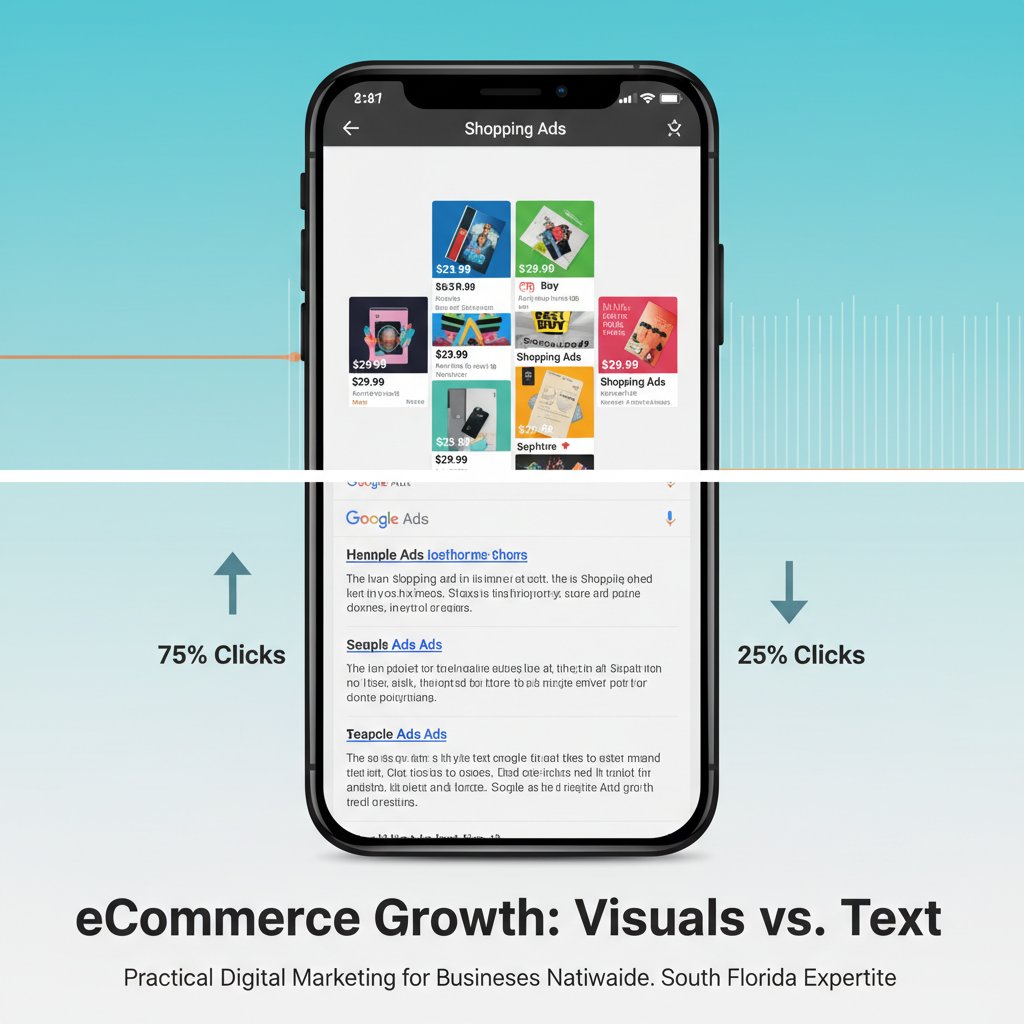
Google Shopping Ads appear at the top of search results with product images, prices, and store names—exactly what shoppers need to make quick decisions. Unlike traditional pay per click advertising that relies solely on text, Shopping Ads showcase your products visually, capturing attention immediately.
The numbers tell the story. E-commerce businesses using Google Shopping Ads typically see 2-3x higher click-through rates compared to standard text ads. Why? Because shoppers can see exactly what they’re getting before clicking, which means the traffic you receive is highly qualified and ready to buy.
For South Florida businesses, this is particularly valuable. Whether you’re selling beachwear in Miami, home décor in Fort Lauderdale, or specialty products in West Palm Beach, Shopping Ads connect you with local customers and tourists actively searching for what you sell.
Setting Up Your Google Shopping Campaign: The Foundation
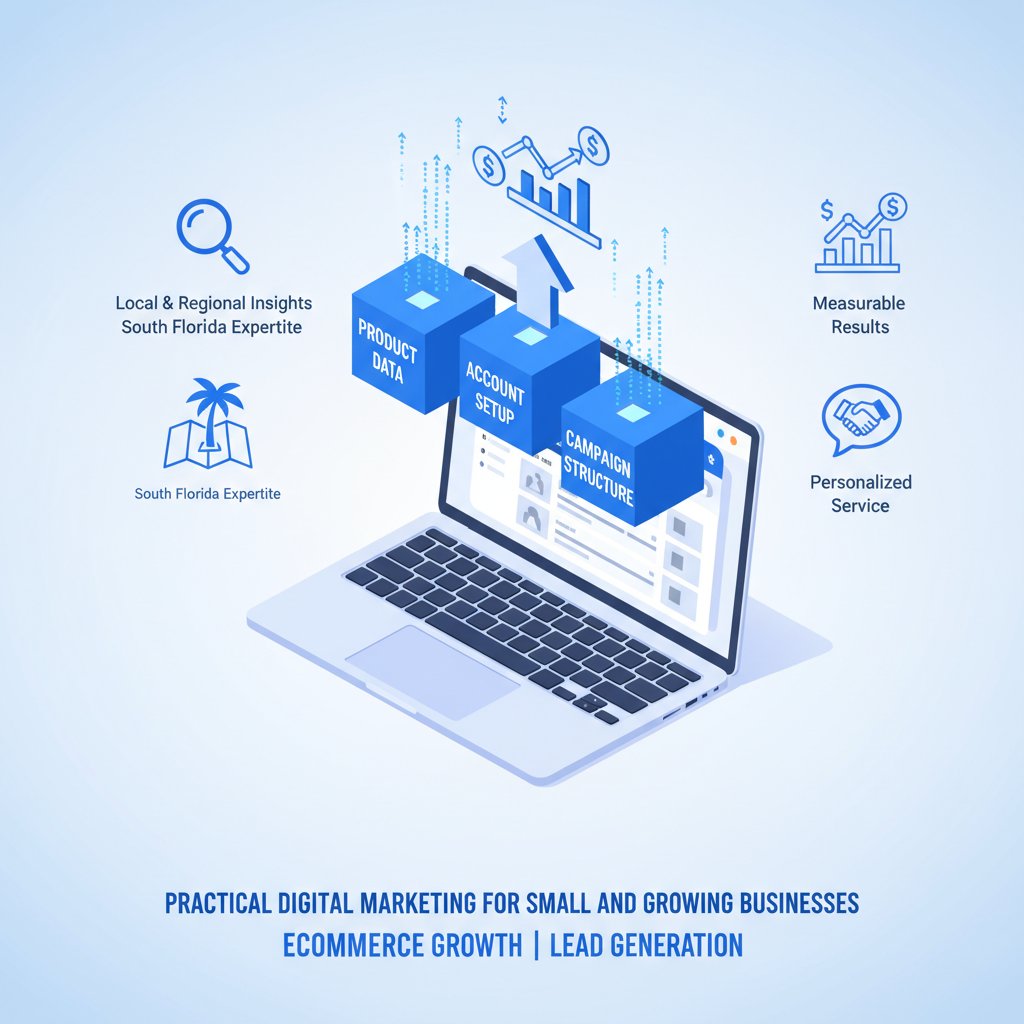
Success with Google Shopping Ads starts with proper setup. Many businesses rush this step and wonder why their campaigns underperform. Here’s your roadmap:
Google Merchant Center Configuration
Your Google Merchant Center account is where your product data lives. This isn’t just a formality—it’s the engine that powers your Shopping Ads. You’ll need to verify and claim your website URL, which proves you own the site. For businesses with custom ecommerce website development, this process is straightforward, but some platforms require additional verification steps.
Next comes your product feed, a spreadsheet containing essential information about every item you sell: titles, descriptions, prices, images, and unique identifiers like GTINs or MPNs. The quality of your product feed directly impacts your ad performance. A google advertising agency with experience in ppc management services will tell you that feed optimization is where most campaigns succeed or fail.
Creating High-Performance Product Feeds
Your product titles deserve special attention. In 2026, Google’s AI has become incredibly sophisticated at matching search intent with product titles. Include your brand name, product type, key attributes (color, size, material), and relevant descriptors. For example, instead of “Blue Dress,” use “Women’s Navy Blue Maxi Dress – Cotton Summer Sundress.”
Product images must be high-quality, professional, and meet Google’s specifications. Use white backgrounds for main images, show products from multiple angles, and ensure images are at least 800×800 pixels. If your ecommerce web design includes lifestyle images, those work beautifully in supplemental feeds.
Pricing accuracy is non-negotiable. Google regularly crawls your site to verify that feed prices match website prices. Discrepancies lead to disapprovals and account suspensions. Automate your feed updates whenever possible to avoid manual errors.
Structuring Campaigns for Maximum ROI
Campaign structure makes or breaks your google ads management strategy. Rather than dumping all products into one campaign, segment strategically:
Priority and Segmentation Strategy
Create separate campaigns based on product performance, profit margins, and seasonality. High-margin products deserve their own campaigns with higher bids. Best-sellers should be isolated so you can maximize their visibility without budget constraints affecting other products.
Use campaign priorities (Low, Medium, High) to control which campaign serves ads when products appear in multiple campaigns. This advanced technique lets you test different bid strategies on the same products or separate branded versus non-branded traffic.
For South Florida retailers, seasonal segmentation matters. Beachwear peaks during winter when tourists arrive. Hurricane preparedness items surge in summer. Align your campaign structure and budgets with these patterns.
Negative Keywords: Your Secret Weapon
Unlike traditional Google Ads, Shopping campaigns don’t use keywords—Google matches products to searches automatically. However, negative keywords are crucial. They prevent your ads from showing for irrelevant searches that waste budget.
Add negative keywords like “free,” “DIY,” “how to make,” “cheap,” or “used” if you sell new, premium products. Review your search terms report weekly to identify and exclude non-converting queries. This single action can improve campaign profitability by 20-40%.
Bidding Strategies That Drive Sales
Smart bidding has evolved dramatically in 2026. Google’s machine learning algorithms now optimize bids in real-time based on countless signals: device, location, time of day, user behavior, and more.
For new campaigns, start with Manual CPC to establish baseline data. After accumulating 30-50 conversions, transition to Target ROAS (Return on Ad Spend) or Maximize Conversion Value. These automated strategies leverage Google’s AI to bid more aggressively when conversions are likely.
A successful online store development company will tell you that Target ROAS works brilliantly when you have clear profitability goals. If you need a 400% return, set your target accordingly, and Google optimizes bids to hit that number. However, automated bidding requires accurate conversion tracking—garbage in, garbage out.
Advanced Optimization Techniques for 2026
Once your campaigns are running, optimization separates good performance from exceptional results.
Product-Level Performance Analysis
Dive deep into product-level data. Which items generate impressions but few clicks? Poor images or uncompetitive pricing might be the culprit. Which products get clicks but don’t convert? Perhaps product descriptions don’t match shopper expectations, or your landing page needs work.
Use this data to refine your product feed continuously. Update titles, improve images, adjust prices, and enhance descriptions. Think of your product feed as living content that evolves based on performance data.
Leverage Custom Labels
Custom labels let you segment products by any attribute: profit margin, seasonality, sales velocity, or inventory status. Create a custom label for clearance items and bid aggressively to move inventory. Tag high-margin products and allocate more budget to maximize profit.
One Miami-based retailer we worked with used custom labels to identify slow-moving inventory. By creating a dedicated campaign with lower prices in the feed and higher bids, they cleared $50,000 in stagnant stock within 60 days while maintaining profitability.
Geographic and Demographic Targeting
For South Florida businesses, location targeting is powerful. Increase bids for high-value zip codes. If you offer local pickup, create campaigns specifically targeting nearby customers. Use ad scheduling to bid higher during peak shopping hours for your audience.
Demographic targeting lets you adjust bids based on household income, parental status, or age. If your products appeal to affluent customers, increase bids for high-income households. This precision targeting was limited in past years but has become remarkably effective in 2026.
Connecting Shopping Ads with Website Experience
Your Google Shopping Ads are only as effective as the landing experience. Professional ecommerce website development ensures fast load times, mobile optimization, and seamless checkout processes—all critical for converting clicks into sales.
When shoppers click your Shopping Ad, they should land on the exact product page with consistent pricing, clear images, and compelling descriptions. Any disconnect creates friction and lost sales. Your ecommerce web design should prioritize mobile users, as over 70% of Shopping Ad clicks now come from mobile devices.
Trust signals matter enormously. Display customer reviews, security badges, clear return policies, and contact information prominently. South Florida shoppers, especially tourists, appreciate knowing they’re buying from legitimate local businesses.
Measuring Success: Metrics That Matter
Vanity metrics like impressions don’t pay the bills. Focus on metrics that correlate with revenue:
- Return on Ad Spend (ROAS): Revenue generated per dollar spent on ads. Target at least 400% (4:1) for profitable campaigns.
- Conversion Rate: Percentage of clicks that result in purchases. Benchmark is 2-3% for e-commerce, but top performers exceed 5%.
- Average Order Value (AOV): Track whether Shopping Ads attract high-value customers. Use this to inform bidding strategies.
- Cost Per Acquisition (CPA): How much you spend to acquire each customer. This must be lower than your customer lifetime value to scale profitably.
Connect Google Ads with Google Analytics 4 to track the full customer journey. Many conversions don’t happen on first click—understanding multi-touch attribution helps you value Shopping Ads correctly.
Common Mistakes to Avoid
Even experienced e-commerce businesses make these costly errors:
Neglecting feed quality: Your product feed is your store window. Poor titles, low-quality images, or missing information kill performance before campaigns even start.
Ignoring mobile optimization: If your site isn’t mobile-friendly, you’re wasting money. Test checkout on smartphones regularly—every friction point costs you sales.
Setting and forgetting campaigns: Successful pay per click advertising requires ongoing management. Review performance weekly, test new strategies monthly, and stay current with platform changes.
Inadequate budgets: Shopping Ads need sufficient budget to exit learning phases and gather meaningful data. Underfunded campaigns never reach their potential.
Working with Professional PPC Management Services
While you can manage Shopping Ads yourself, professional google ads management delivers significant advantages. Experienced agencies bring proven strategies, time savings, and expertise that’s difficult to develop internally.
A quality ppc management services provider doesn’t just set up campaigns—they continuously optimize based on performance data, competitive intelligence, and platform updates. They’ve seen what works across hundreds of accounts and can apply those insights to your business.
For South Florida e-commerce businesses, working with a local google advertising agency offers additional benefits. They understand regional markets, seasonal patterns, and the unique dynamics of serving both local customers and tourists.
Your Path to E-commerce Growth
Google Shopping Ads represent one of the most powerful tools available to e-commerce businesses in 2026. They put your products in front of high-intent shoppers exactly when they’re ready to buy. With proper setup, strategic optimization, and ongoing management, Shopping Ads can transform your online store from struggling to thriving.
Success requires expertise in both online store development and google ads management. Your website must convert visitors efficiently, and your campaigns must drive qualified traffic cost-effectively. When these elements align, growth becomes predictable and scalable.
If you’re ready to unlock the full potential of Google Shopping Ads for your e-commerce business, UltraWeb Marketing specializes in helping South Florida businesses achieve measurable results. We combine expert ppc management services with comprehensive ecommerce website development to create complete growth systems. Our team has helped dozens of local e-commerce stores dramatically increase sales through strategic Shopping Ad campaigns backed by conversion-optimized websites.
Don’t let another day pass while competitors capture customers who should be shopping with you. Contact UltraWeb Marketing today to discuss how we can build a Google Shopping Ads strategy tailored to your products, margins, and growth goals. Let’s turn those product listings into your most profitable sales channel.
Frequently Asked Questions
How much should I budget for Google Shopping Ads?
Start with a minimum of $1,500-$3,000 per month for small to medium e-commerce stores. This provides enough data to optimize effectively. Budget should scale based on product margins, average order value, and target ROAS. High-margin products justify higher spending, while lower-margin items require careful budget management.
How long does it take to see results from Shopping Ads?
You’ll see initial traffic within days of launching, but meaningful optimization requires 30-60 days of data collection. Google’s machine learning algorithms need time to learn which searches and audiences convert best. Most businesses see optimal performance after 90 days of continuous optimization.
Do I need a large product catalog for Shopping Ads?
No. Even stores with 10-20 products can succeed with Shopping Ads if products have sufficient search demand. Focus on feed quality and competitive pricing. Smaller catalogs actually simplify management and allow you to optimize each product thoroughly.
Can Shopping Ads work for local South Florida businesses?
Absolutely. Use location targeting to focus on South Florida zip codes, and consider enabling local inventory ads if you have a physical storefront. Many tourists and residents search for local products online before purchasing. Shopping Ads help you capture this high-intent local traffic.
What’s the difference between Shopping Ads and regular Google Ads?
Shopping Ads display product images, prices, and store names directly in search results, while regular text ads only show headlines and descriptions. Shopping Ads are product-focused and pull information from your merchant feed, whereas traditional ads require manual ad copy creation and use keyword targeting.
Should I manage Shopping Ads myself or hire professionals?
It depends on your experience, time availability, and budget. DIY management works for simple catalogs if you have the time to learn. However, professional ppc management services typically generate better ROAS through advanced strategies, continuous optimization, and platform expertise that takes years to develop independently.